AI AutomationBy Mariano González Campas · 11 min read
Automation policy: 6 rules so automating doesn't end up costing you
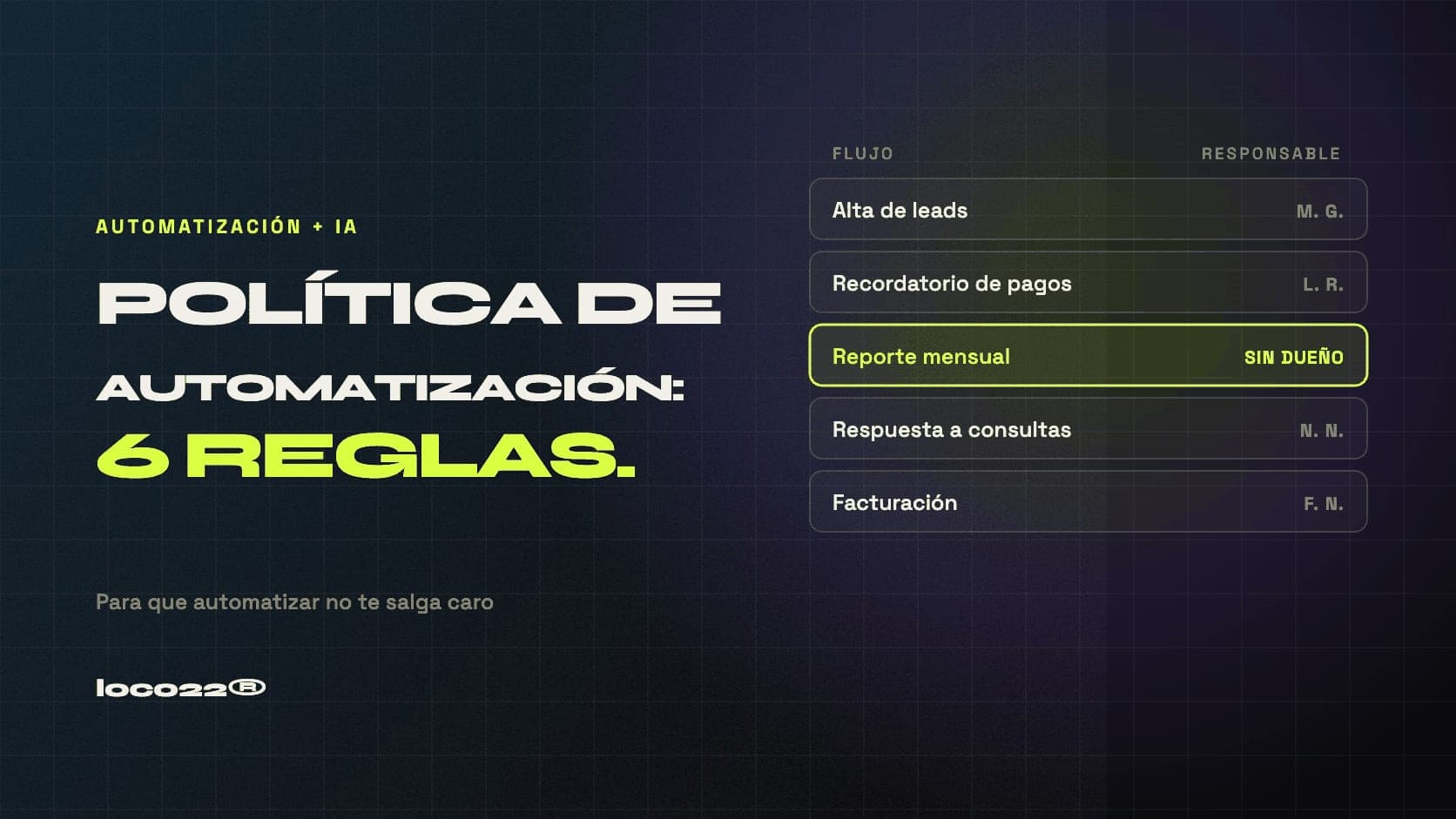
An automation policy is the set of written rules defining who can automate what in your company, what needs human approval, which information can go into an AI tool, and who answers when a flow breaks. It isn't bureaucracy: it's what separates a company that automates and saves from one that automates and then pays twice to clean up the mess.
The problem shows up when automation works. The first flows run fine, the team gets excited, and six months later there are fourteen automations nobody mapped, three subscriptions being paid twice, and someone who left the company taking with them a critical process only they understood. This guide covers the six rules that prevent that scenario, and the math on what not having them costs.
Key takeaways
- An automation policy defines owners, decision limits, data handling and a failure protocol: it fits on one page.
- The costliest risk isn't a flow failing — it's a flow failing silently while nobody notices for weeks.
- Every flow needs an owner with a name, not a department: when responsibility belongs to everyone, it belongs to no one.
- Anything that decides money, contract terms or affects people gets human approval before it executes.
- Personal data and confidential information need explicit rules about which tools may process them.
- The real saving from a policy isn't automating more — it's not paying twice for the same work.
- Write it before your fifth automation: after that it's reconstruction, not prevention.
Why you need a policy (not just good intentions)
Today's automation tools are so accessible that anyone on your team can build a flow in an afternoon. That's excellent for speed and terrible for control. The modern version of this problem has a name: shadow automation. Someone connects their personal account on a platform, builds a process that solves their day, and that process becomes part of the company's real operation without existing in any inventory.
While it works, nobody notices. The day it fails — or the day that person leaves — the company discovers it had a critical dependency that appeared nowhere, running on credentials belonging to someone who no longer works there.
The risk isn't that an automation breaks. It's that it breaks silently and you hear about it from a client.
The six rules
1. Every flow has an owner with a name
Not a department, not a team: one person. The owner knows what the flow does, what happens if it's switched off, and who to tell when something goes wrong. When responsibility is spread across everyone, in practice nobody holds it, and the process is orphaned exactly when it's needed most.
The rule has a healthy side effect: if a flow has nobody willing to put their name on it, it probably wasn't as important as it seemed.
2. Every flow is documented in one line
You don't need a manual. A spreadsheet with five columns is enough: what the flow does, which systems it touches, which account it runs on, who owns it, and what happens if it stops. Ten minutes per automation — and that spreadsheet is the first thing you'll be grateful for when something fails on a Friday evening.
That inventory also prevents duplicate spending: when someone proposes automating something, step one is checking whether it already exists. In companies without an inventory it's common to find two different flows doing the same job, built by people who didn't know about each other's work.
3. Anything deciding money or affecting people gets human approval
This is the rule that draws the line. A flow can prepare a proposal, draft a discount, write a reply to a complaint or screen a candidate. What it shouldn't do without someone approving is send it, apply it or discard it. The distinction is simple: the machine proposes, a person confirms whenever money, contract terms or people are involved.
This doesn't slow operations down: approval is one click and most of the work is already done. And it avoids the case that destroys the whole team's trust — the automation that sent a hundred emails with the wrong price before anyone noticed.
4. Which data can go into an AI tool, in writing
When you automate with language models, information leaves your systems and enters a third party's service. That can be perfectly fine, but it has to be a decision you made, not an accident. The policy defines three categories: what can be processed with no restrictions, what needs anonymizing first, and what never leaves the company under any circumstances.
In Argentina this intersects with Law 25.326 on Personal Data Protection, and if you work with European clients, with GDPR. The practical rule is conservative: client personal data, health information, legal documentation and anything covered by a confidentiality agreement need an explicit decision before passing through any external tool.
5. No new subscription without an owner and a review date
Automation tools get billed monthly and forgotten. Each one is small — twenty, fifty, a hundred dollars — which is exactly why nobody questions them. The problem is cumulative: two years in there's a list of services nobody reviewed, with plans scaled up for a peak that has passed and seats for people who left.
The rule: every subscription has an owner, an amount and a review date on the calendar. A quarterly twenty-minute review usually finds something to cancel.
6. Every flow alerts when it fails, and can be switched off
An automation that fails without alerting is worse than having no automation, because the company keeps operating as if the work were still getting done. Every flow needs two minimums: an alert to a real person when something breaks, and a clear way to switch it off without dismantling everything else.
The alert has to land somewhere someone actually looks — not an inbox nobody opens — and say in one line what stopped working. The off switch matters because during an emergency nobody wants to be figuring out how to stop a process that's sending the wrong messages.
Where the savings are, with numbers
A policy's savings don't come from automating faster: they come from not paying twice. Put your own numbers into these four calculations and you'll see the order of magnitude.
- Duplicated work: two flows doing the same thing means one implementation's hours, wasted. Multiply your implementation hours by their cost.
- Forgotten subscriptions: add up what you pay monthly in tools and estimate what share goes unused. Multiply by twelve.
- Rebuilding for lack of documentation: when an ownerless flow breaks, it gets rebuilt from scratch. That cost is the original implementation, again.
- Silent failures: here the cost isn't hours but business — unprocessed orders, unanswered inquiries, collections that never went out — and it depends on how many days pass before anyone notices.
The fourth is the one that hurts most and the only one you can't estimate in advance, because it doesn't depend on the task's cost but on how long the company takes to notice. It's exactly the risk rule number six eliminates.
When to write it
With one or two automations you don't need a policy: you need memory. The breaking point usually sits between the fourth and fifth, or earlier if more than one person is building flows. From there on, every month without rules adds debt you'll pay later mapping what already exists.
Writing it takes a two-hour meeting and fits on one page. What doesn't fit on one page probably won't be followed, and a policy nobody follows is worse than none: it gives you the feeling of control without the control.
If you're already past that point and don't quite know what's running, the first step isn't writing rules — it's building the inventory. In our digital + AI consulting that's part of the diagnosis: mapping which processes exist, which are automated, who maintains them and where the risks are.
Frequently asked questions
What is an automation policy?
It's the internal document defining who can create automations in the company, which decisions require human approval, which data may be processed with external AI tools, how each flow is documented and what happens when one fails. It fits on one page and is written in a two-hour meeting.
How many automations before I need a policy?
The breaking point usually sits between the fourth and fifth automation, or earlier if more than one person is building flows. With one or two it's enough for the person responsible to keep them in mind; beyond that, memory stops being a reliable system.
Which decisions shouldn't an automation make on its own?
Anything involving money, contract terms or people: sending a priced proposal, applying a discount, closing a complaint, rejecting a candidate. The machine can prepare all of it, but confirmation should be human and one click away.
Can I put client data into AI tools?
It depends which data and which tool, and it has to be an explicit, documented decision rather than an accident. In Argentina, Law 25.326 on Personal Data Protection applies; with European clients, GDPR. The practical approach is defining three categories: data that can be processed freely, data that must be anonymized first, and data that never leaves the company.
What happens if the person who built an automation leaves?
That's exactly the scenario the policy prevents. If every flow has a registered owner, one-line documentation, and runs on company accounts rather than personal ones, someone leaving is a handover. Without that, it's a hidden dependency you discover the day it fails.
In short
Automating well isn't only about picking good processes: it's about defining who answers for each one. Six rules — owner, documentation, decision limit, data handling, subscription control and failure protocol — are enough to keep automation a saving two years in instead of a debt to be cleaned up. And they get written before you need them, which is the only way they work.
Found this useful? Add us as a preferred source in Google.